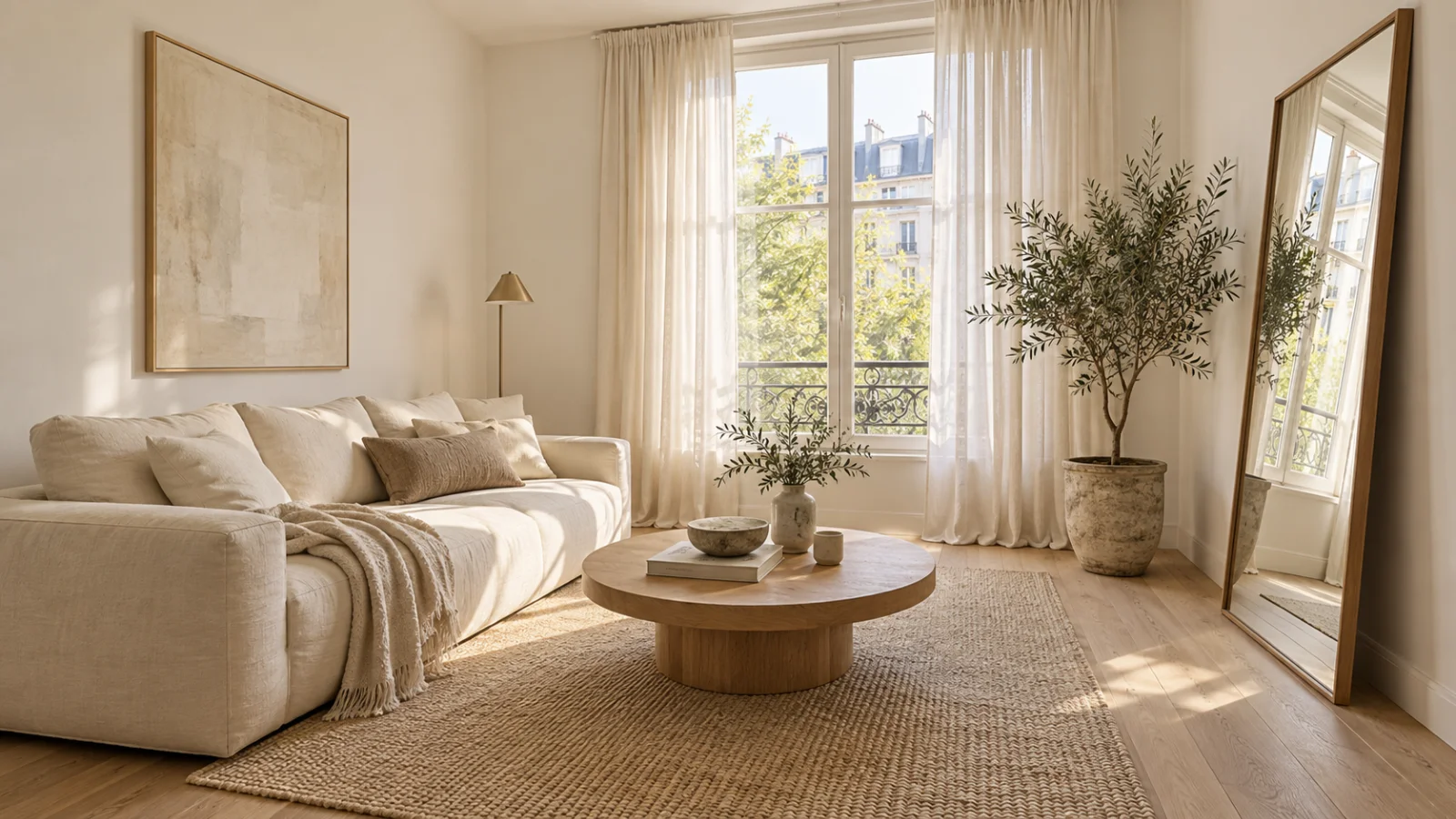
Interior
The paint colours that make a small room look bigger
Pale is only half the answer. Light reflectance, undertone, the ceiling and the trim decide whether a small room opens up or closes in. Five colours that work.
4 min read
Exterior · Garden · Interior
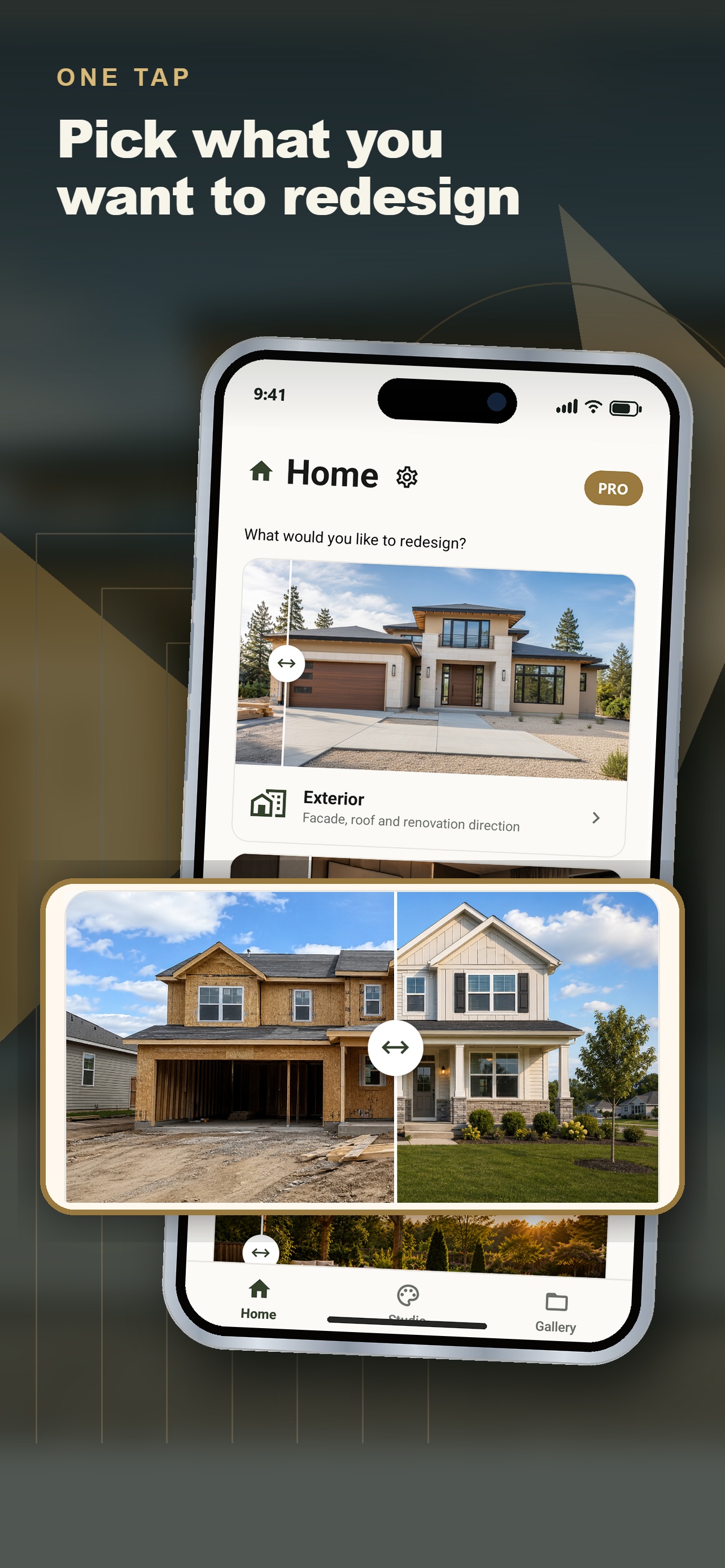
Take one photo of your house from the sidewalk. Exterior Snap AI turns it into a photoreal preview of the finished renovation — in about ten seconds, before you spend a cent.
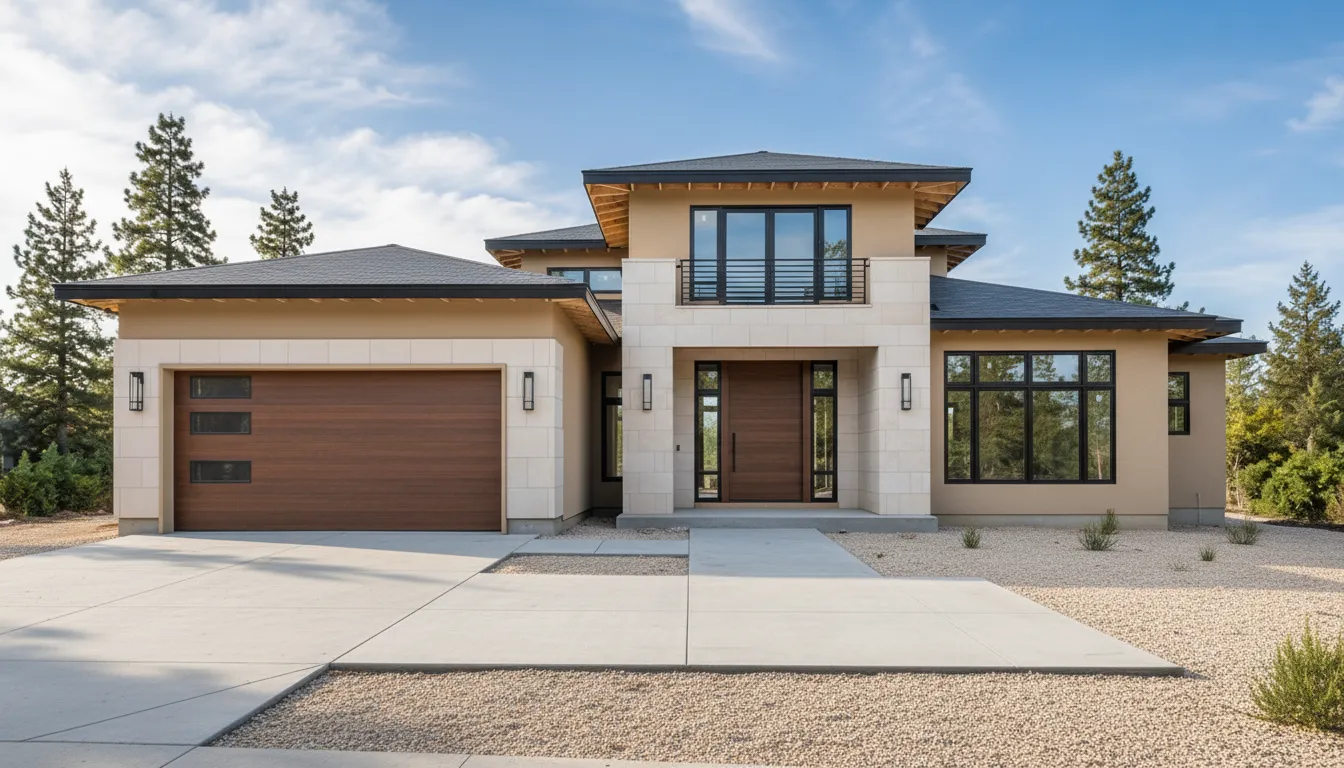
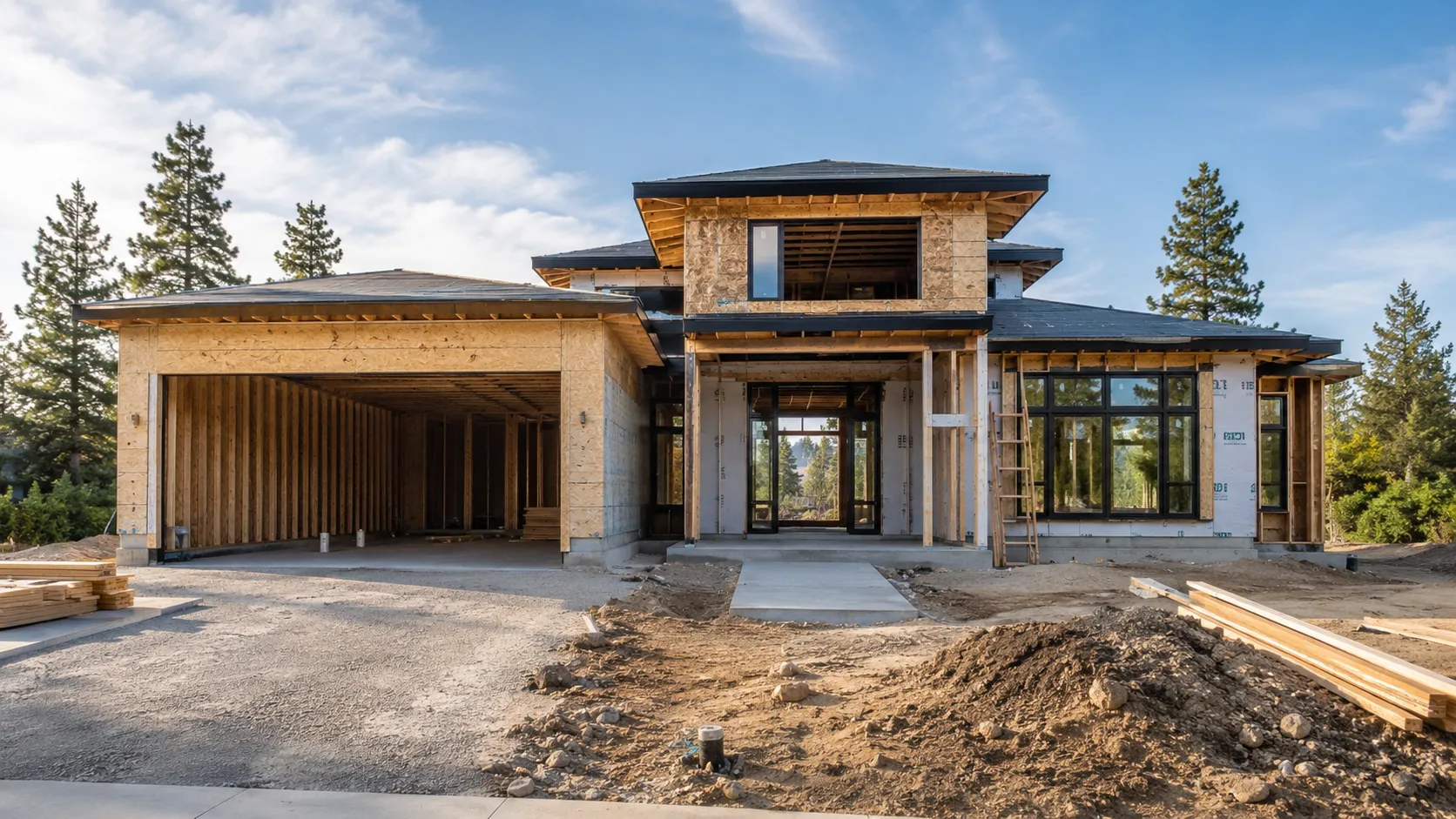
Example output from the app. Drag the handle.
How it works
The point is to make the decision cheap. Look at the finished result first, then decide whether it is worth building.
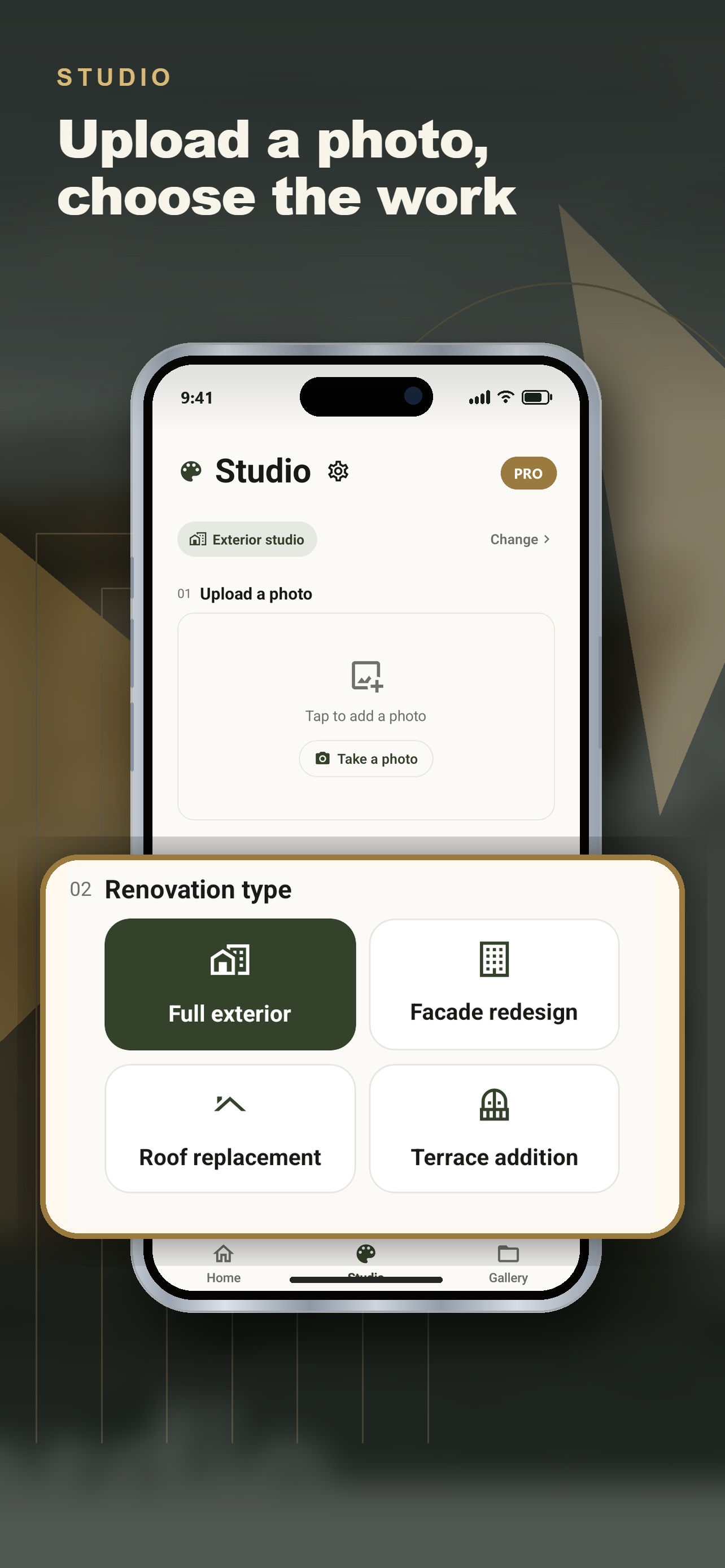
Shoot the facade from the sidewalk, or pick a photo you already have. No measuring, no floor plan, no 3D model — the app works from an ordinary phone picture.
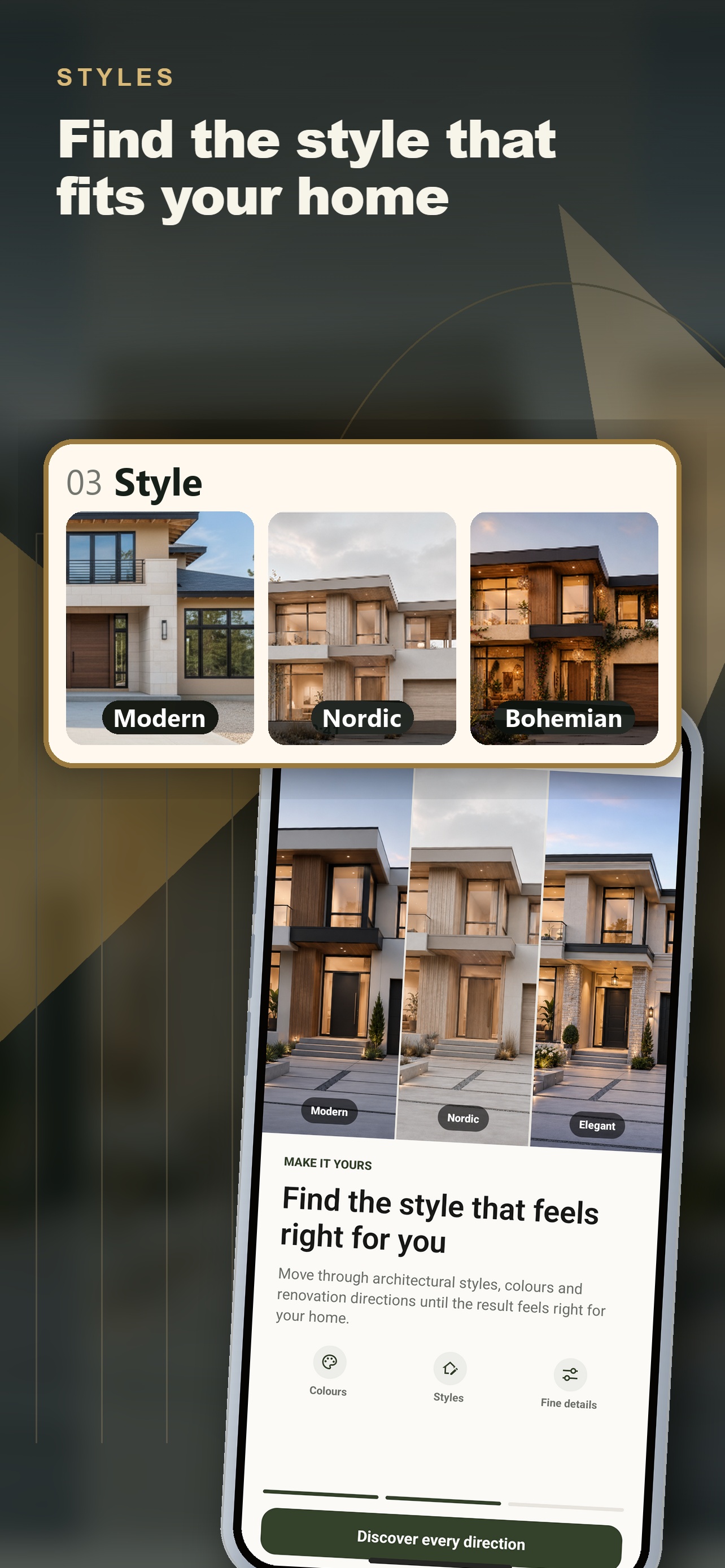
Full exterior, facade redesign, roof replacement, terrace addition, garden or interior. Then pick a style — or just describe what you want in your own words.
A photoreal preview that keeps your house recognisable: same roofline, same windows, same frame. Compare it side by side and show it to your contractor.
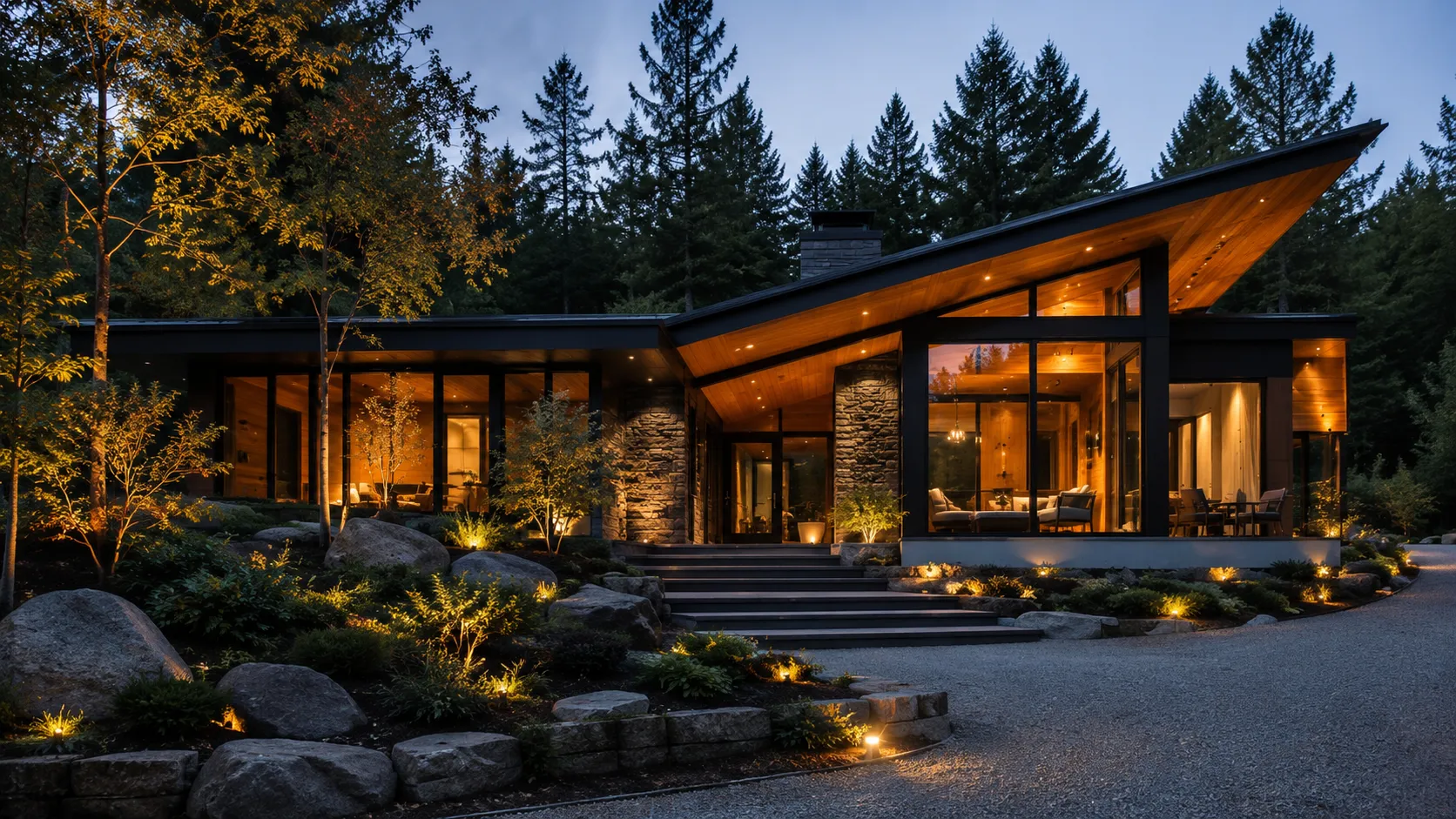
Examples
The app treats your photo as a locked plate: the roofline, the windows and the crop stay exactly where they were. Only the things you asked to change, change.
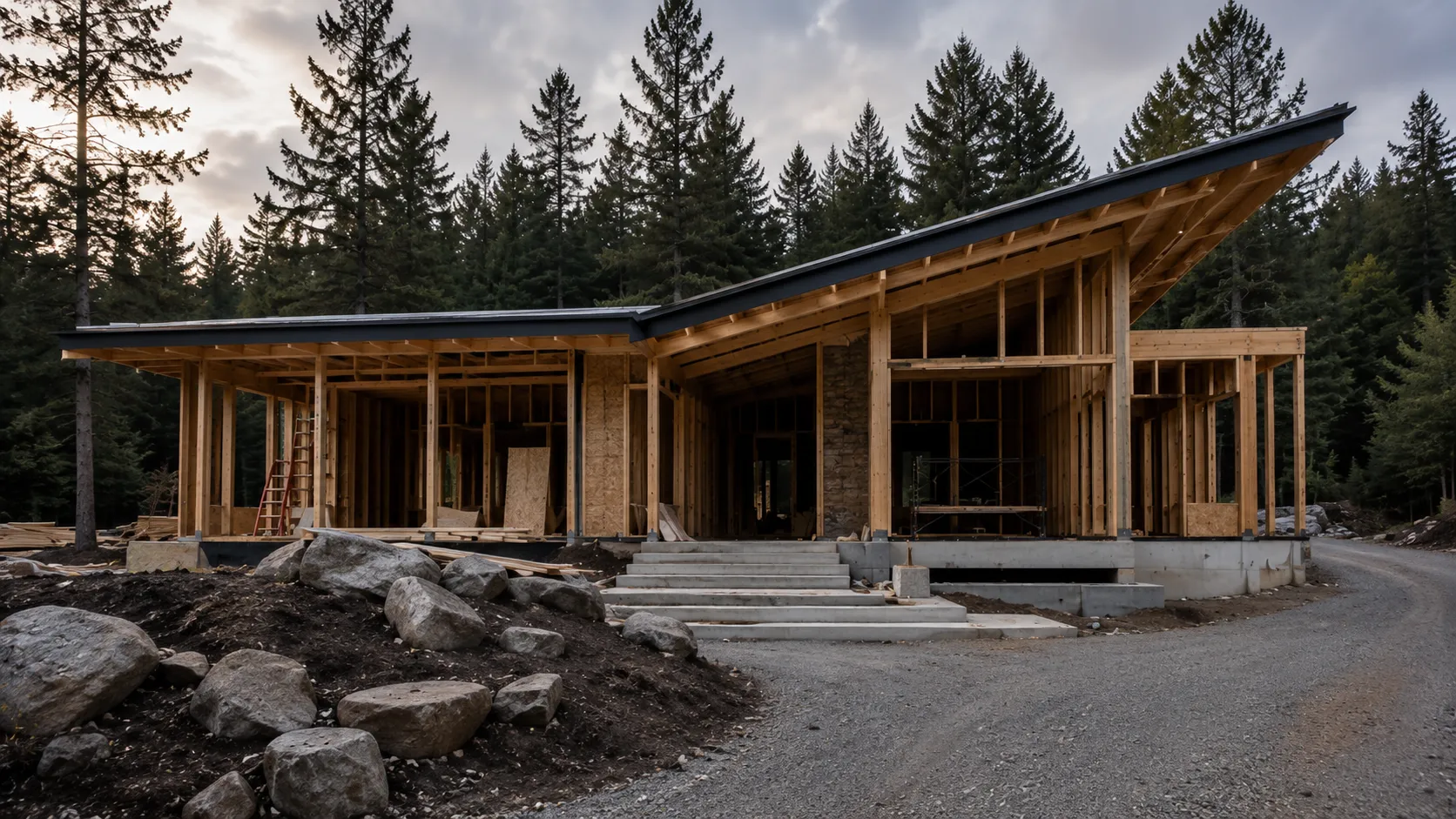
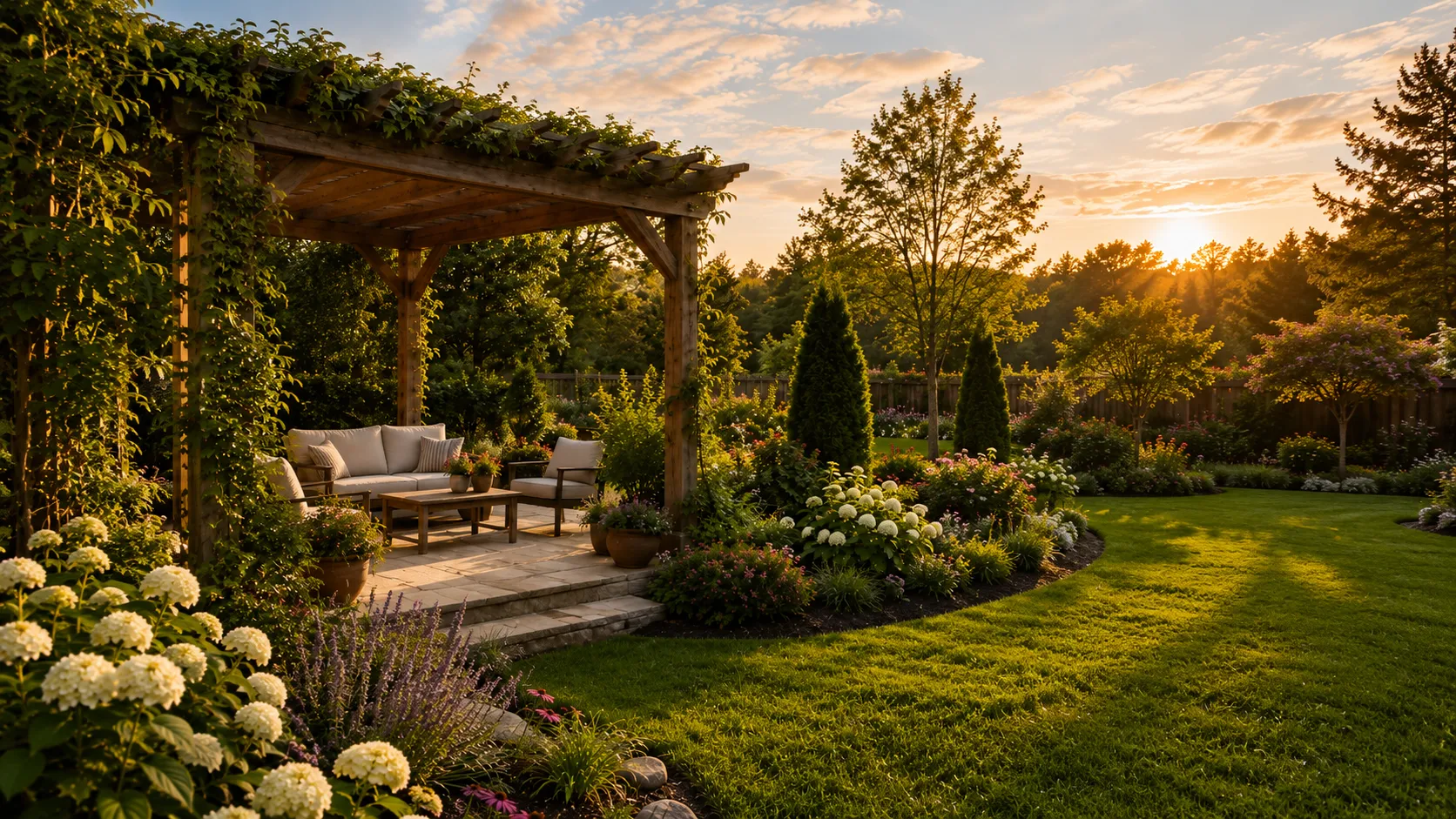
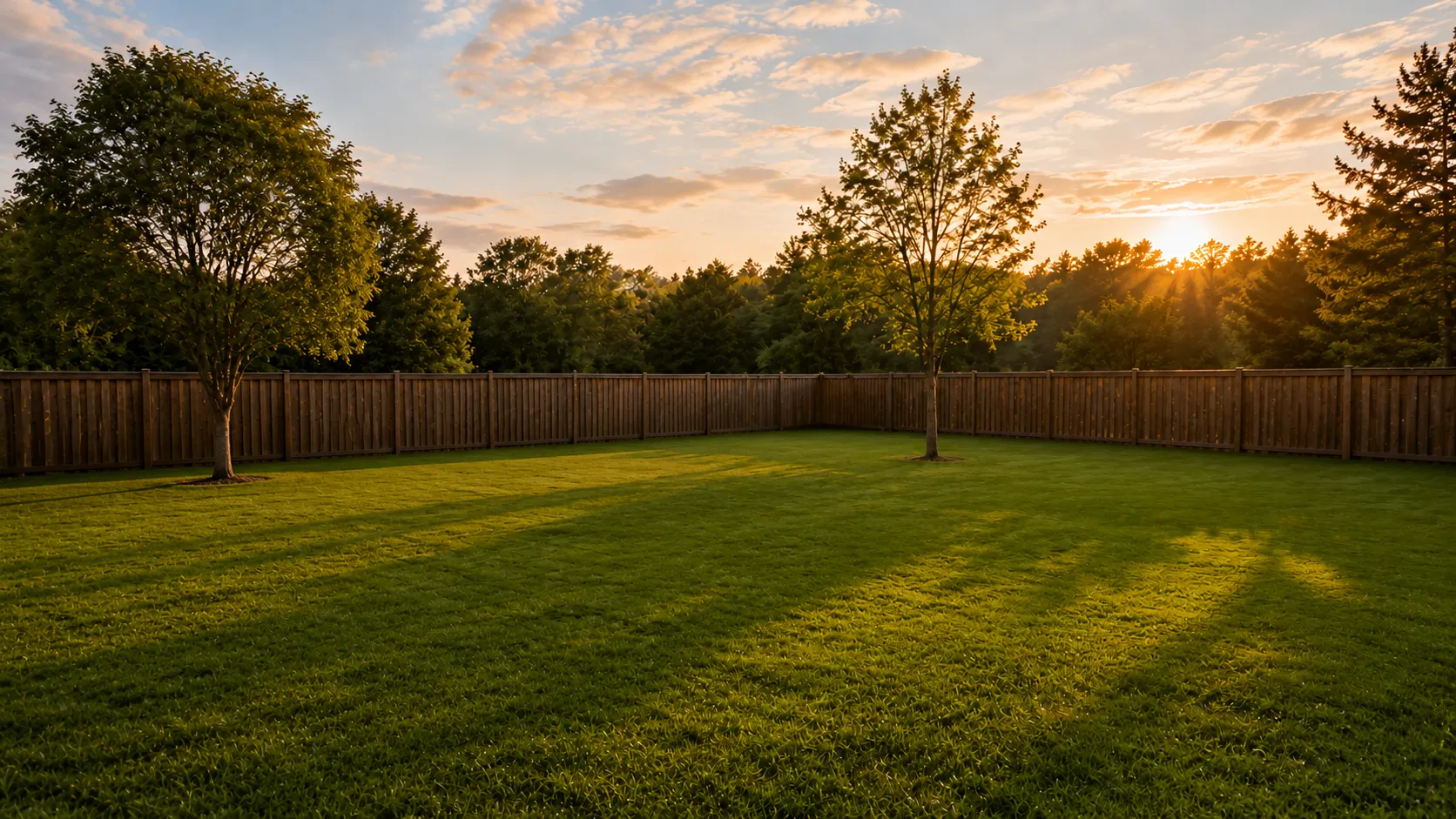
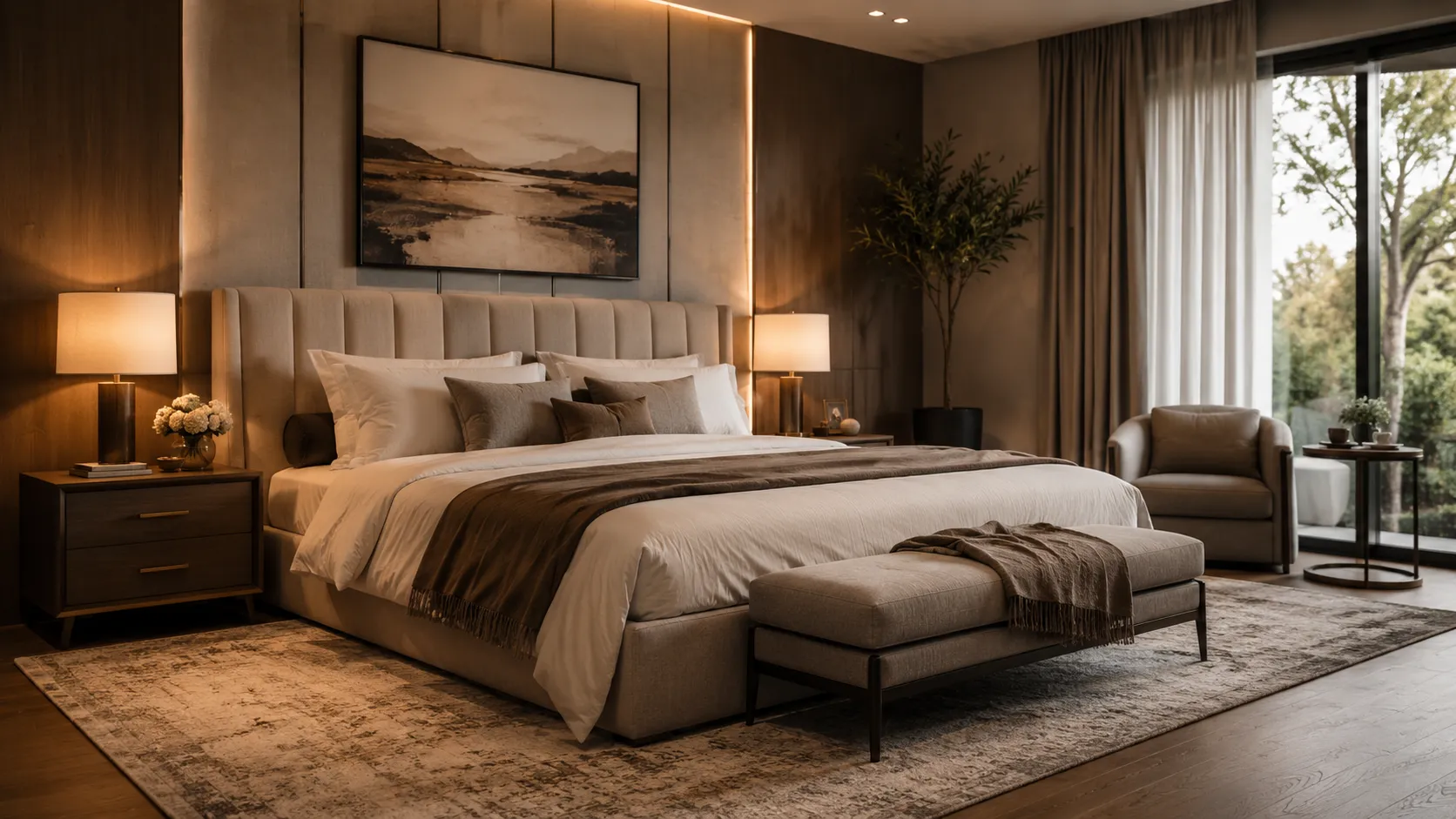
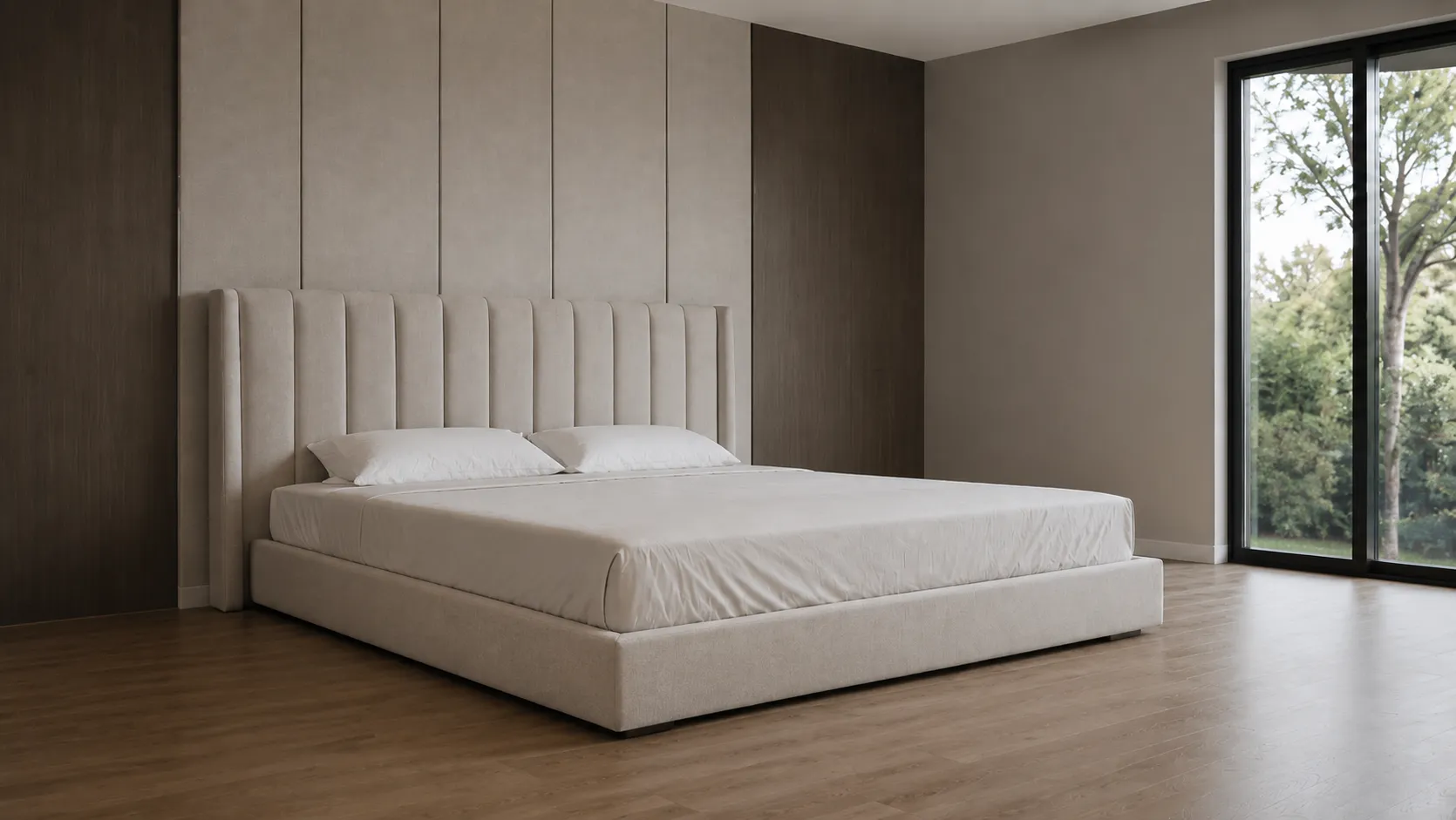
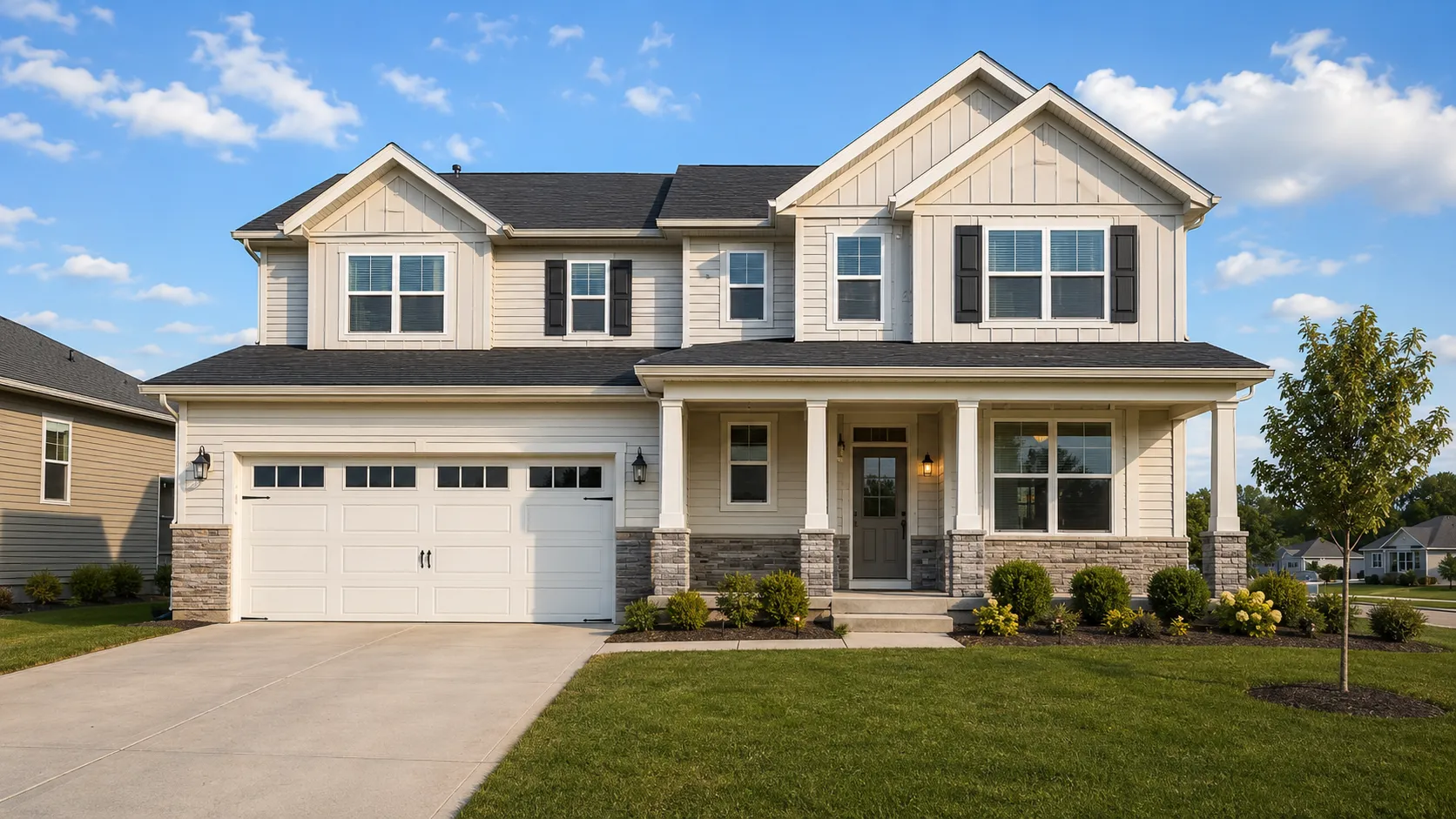
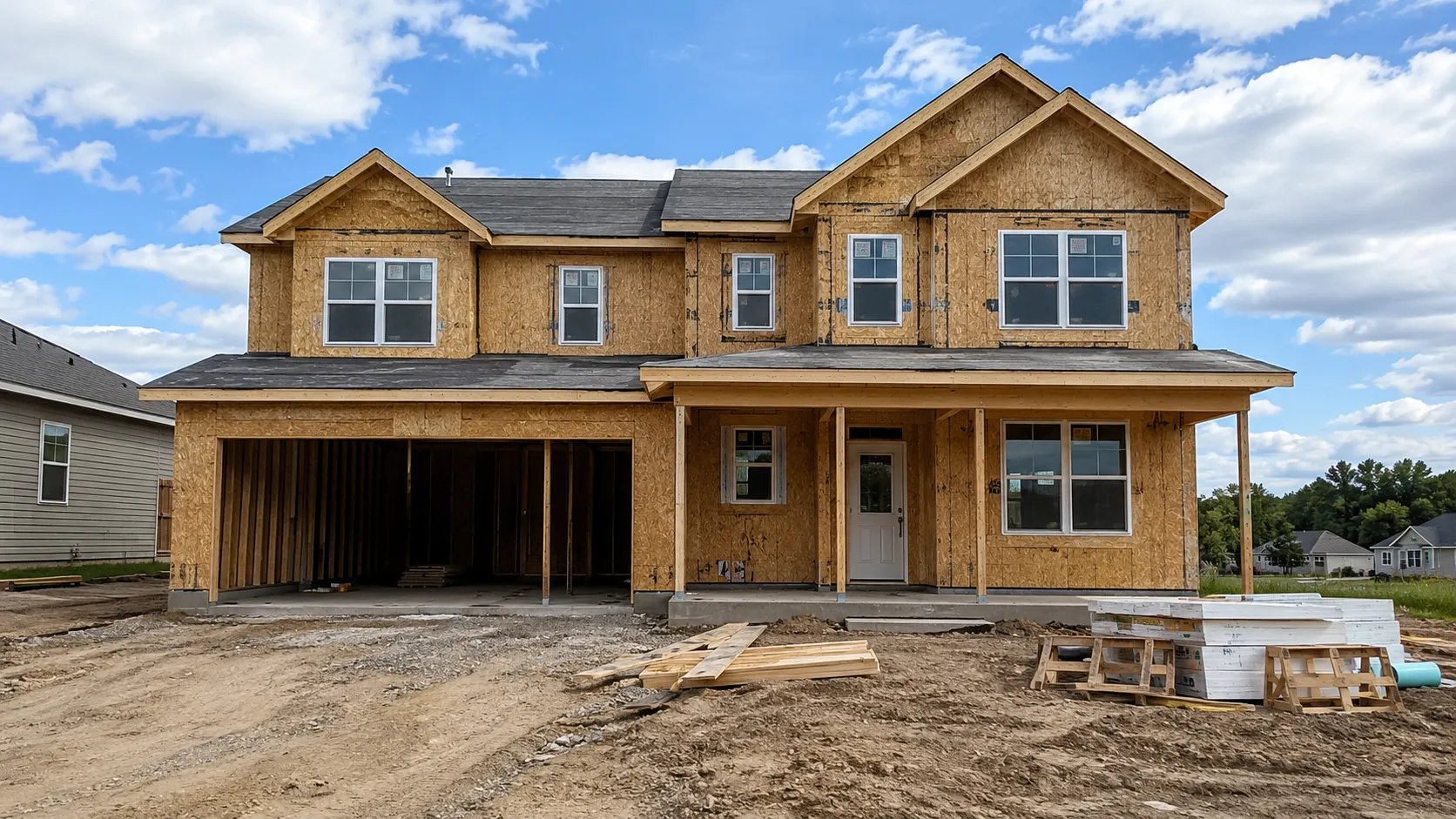
What it does
One app for the whole envelope — and for the rooms behind it. Pick the piece you are actually deciding on.
Rebuild the whole look in one pass — siding, trim, roof, front door and landscaping seen together, the way they will actually be seen.
Test paint colours and materials on your own walls instead of a five-centimetre swatch held up in the wrong light.
Swap shingle colour and material and watch what it does to the rest of the facade — the roof is half the elevation.
Add a deck, a porch or a terrace and see how it sits against the existing volume before anyone pours a footing.
Turn bare ground into planting, paths, beds and evening lighting — the cheapest part of the budget with the biggest effect on curb appeal.
The same preview for kitchens, living rooms and bedrooms. Layout stays, everything else is up for discussion.
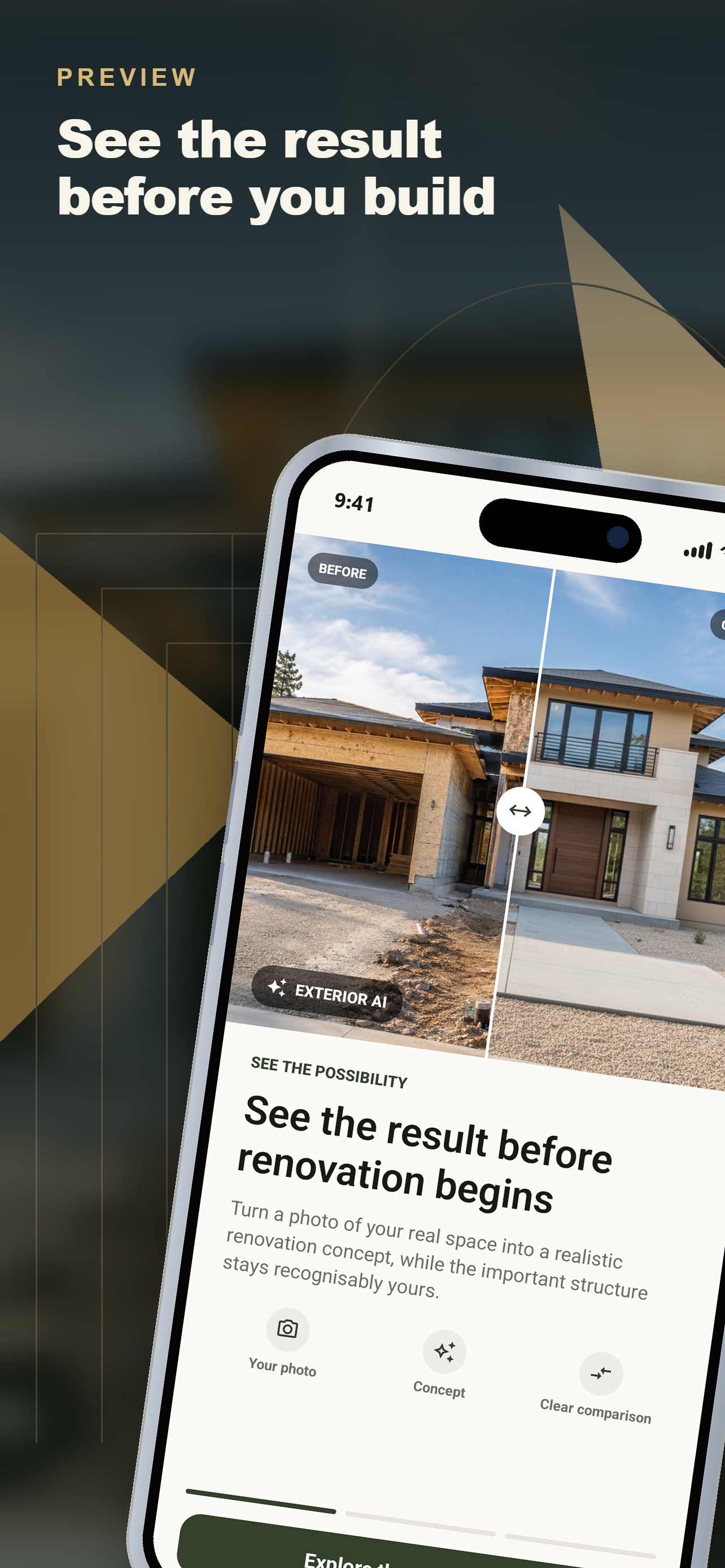
Inside the app
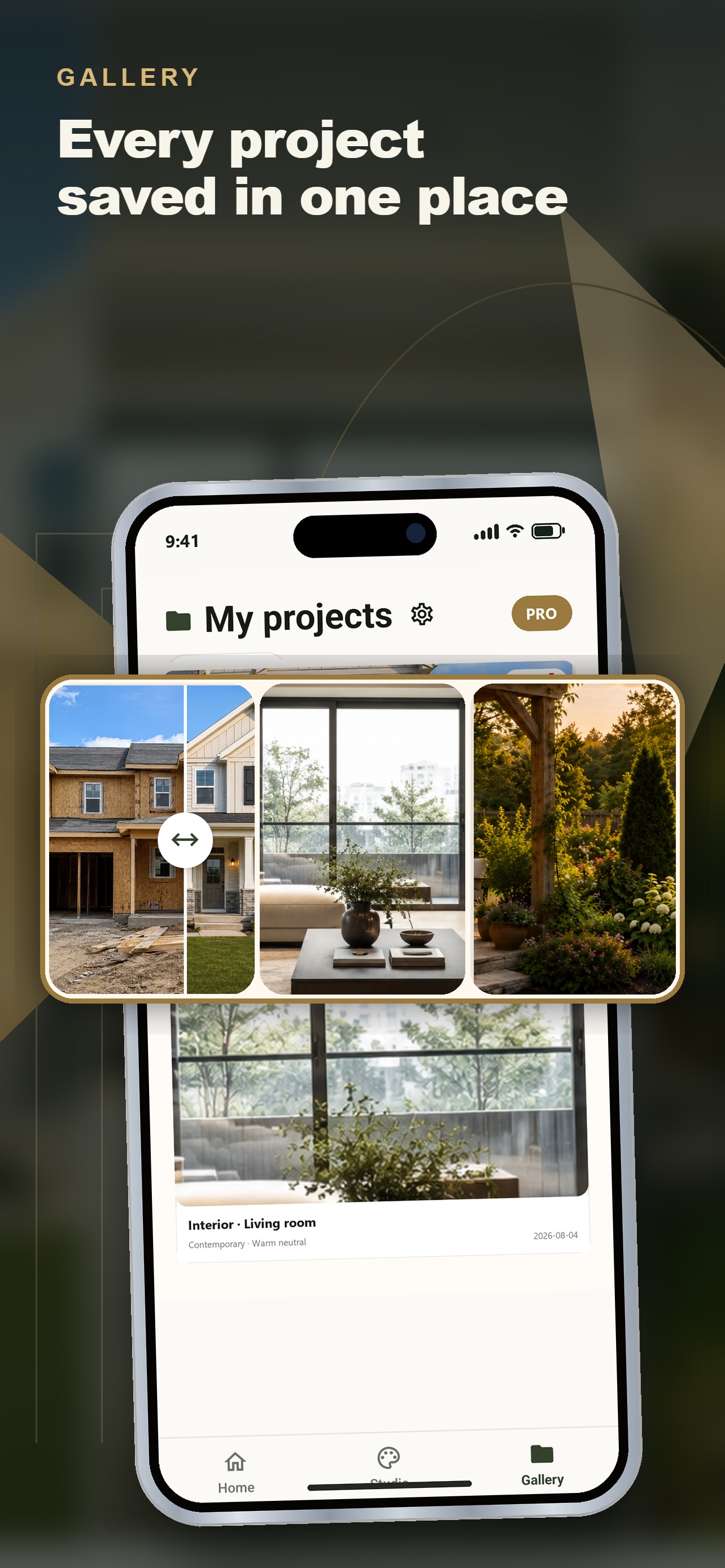
Five screens, no learning curve. Upload, choose, look.
FAQ
Still unsure? Write to support@exteriorsnapai.app and a human will answer.
No. One ordinary photo from your phone is enough. There is nothing to measure and nothing to model — the app works from the picture the way you took it.
That is the whole design of the app. Your photo is treated as a locked background plate: the roofline, the number and position of the windows, the driveway and the crop stay identical. Only the surfaces you asked to change are changed.
Full exterior, facade redesign, roof replacement, terrace and additions, garden and landscaping, and interior rooms. You can pick a ready style or describe the look you want in plain words.
Around ten seconds on a normal connection. You can generate several variants of the same house and compare them side by side before you decide.
Yes, and that is the most useful thing to do with it. A picture ends the conversation faster than a description. Treat it as a design intent, not as a construction drawing — the builder still specifies the real materials.
The app is free to download and you can try it before paying. Pro unlocks the rest; the exact terms and price are shown in the app before anything is charged.
Photos are used to produce your previews and to show them back to you in your gallery. Full detail is in the Privacy Policy.
iPhone and iPad through the App Store, and Android phones and tablets through Google Play.
From the blog
Interior
Pale is only half the answer. Light reflectance, undertone, the ceiling and the trim decide whether a small room opens up or closes in. Five colours that work.
4 min read
Curb appeal
A front door is 2% of the facade and most of the attention. The colour that works is decided by the walls and the roof, not by the swatch you liked on Pinterest.
4 min read
Colour
Three, in roughly 70/25/5 — field, trim and accent. Here is what each one is for, the order to choose them in, and when a house genuinely needs fewer.
4 min read
Take the photo now. Decide on the renovation after you have seen it.